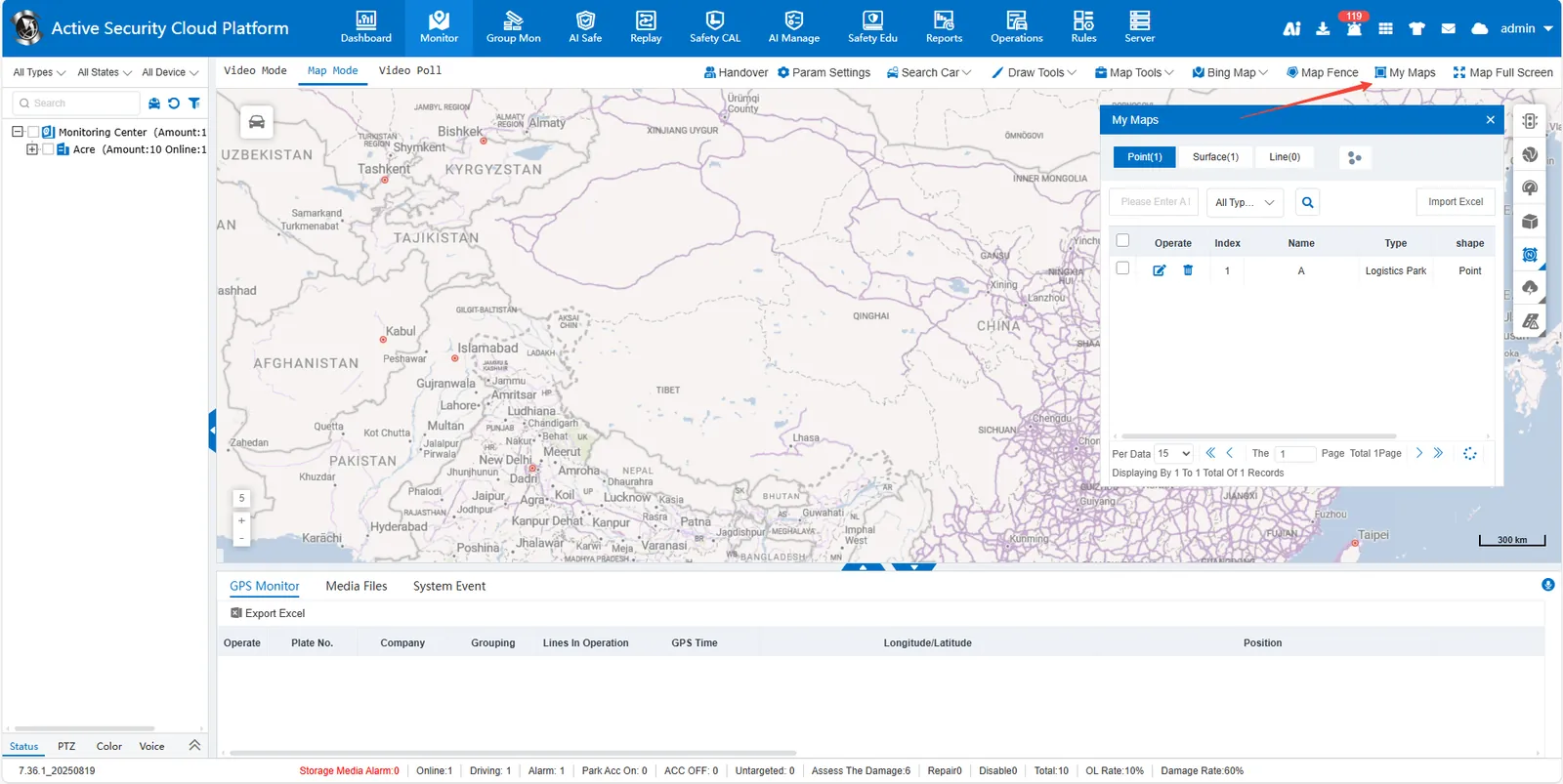
1. Function description
- Click the [My Maps] button at the top of the map interface
- Select location type (point/surface/line)
- Enter the location name in the search box, click the magnifying glass button or press enter to search
- After finding the target location, click on the right side of the row
 icon to delete
Note: If a binding rule exists in a location, you must unbind or delete the rule before deleting it.